

Latest Version
Guangzhou Three Willows Network Technology Co., Ltd.
Security
Mac
Free
1669178334
Report a Problem
More About Password Manager - PassLock
In an era where data breaches are commonplace, relying on memory or central corporate servers to safeguard your credentials is a major risk. The Password Manager - PassLock utility for Mac addresses this challenge by shifting the paradigm back to local user control. Developed by Guangzhou Three Willows Network Technology Co., Ltd., this security application is engineered for users who demand absolute privacy and zero intermediary access to their sensitive credentials.
Zero-Knowledge Architecture and Open-Source Transparency
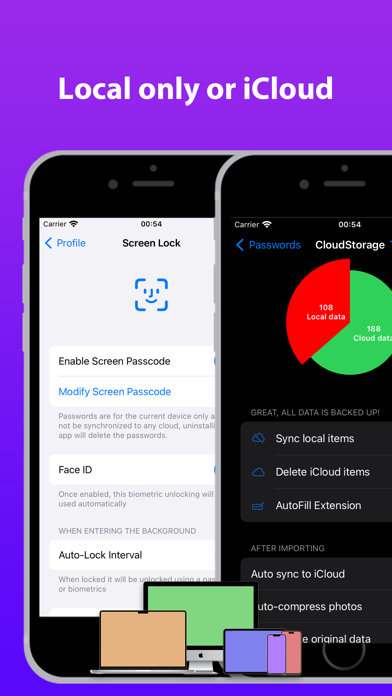
What sets the Password Manager - PassLock platform apart from standard cloud-dependent alternatives is its complete lack of centralized proprietary servers. Instead, your sensitive information is kept exclusively on your local Mac or synced securely within your personal iCloud storage space. This local-first structure ensures that neither the developers nor external entities can access your database.
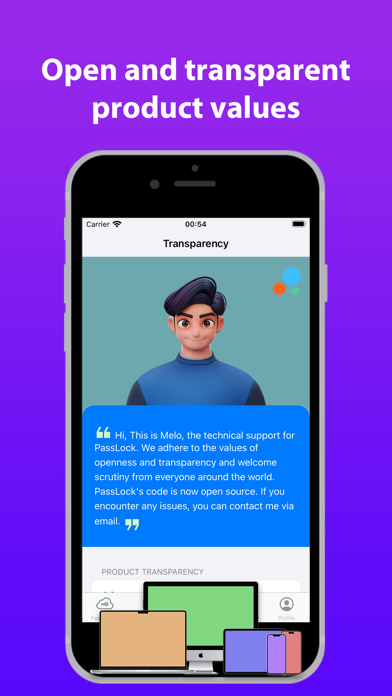
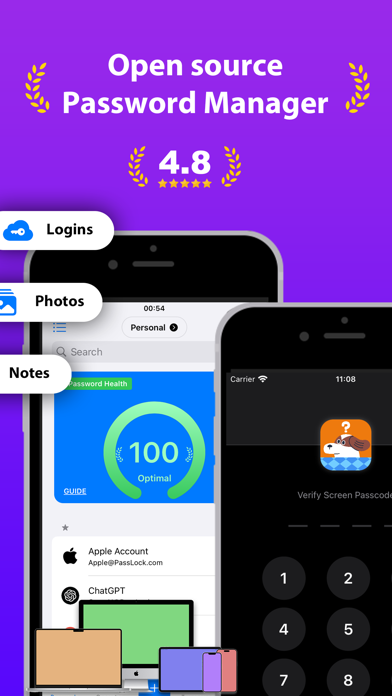
To back up these privacy claims, the developers have made the core codebase publicly available on GitHub. This level of transparency allows security auditors and advanced users to examine how the application handles data, establishing a foundation of trust that closed-source competitors rarely match.
High-Grade Encryption Standards
Security is enforced using a double-encryption method utilizing both AES256 and RSA algorithms. To put the strength of this defense into perspective, brute-forcing AES256 encryption using modern supercomputers would require billions of years, making unauthorized decryption practically impossible. Additionally, the application operates locally by default, meaning you can manage your credentials entirely offline without granting network permissions.
Key Features of Password Manager - PassLock
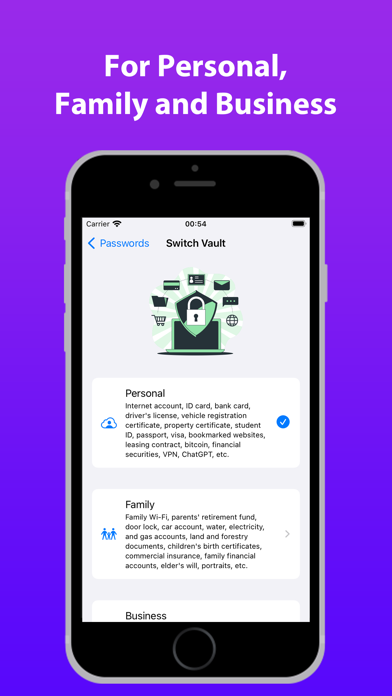
- Multi-Format Vault: Store standard account credentials, historical password records, private notes, and image attachments such as driver's licenses or bank cards.
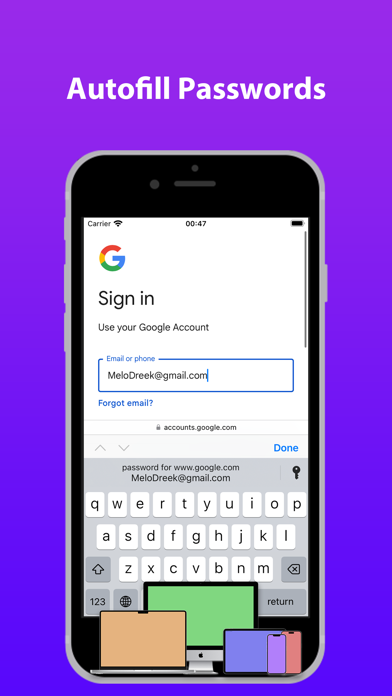
- Smart Autofill & Extensions: Streamline your workflow with URL-based autofill features and QuickType Bar extension support for rapid credential entry.
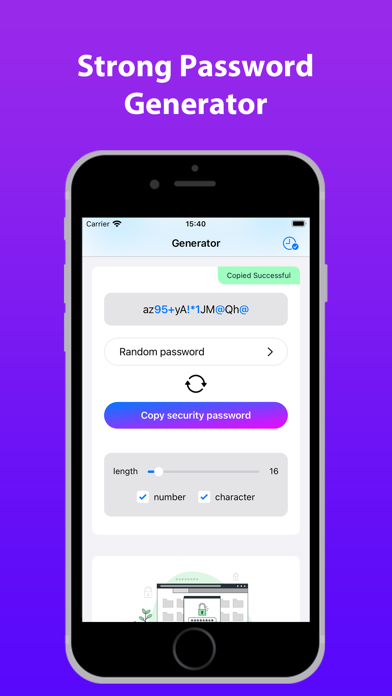
- Secure Generation & Auditing: Create complex, uncrackable passwords instantly and scan for potential credential exposure with integrated dark web leak detection.
- Flexible iCloud Syncing: Keep your credentials synchronized across your Mac, iPad, and iPhone via your private iCloud container, with the option to erase cloud data and revert to local-only storage at any time.
Who is this Security Tool For?
This software is tailored specifically for privacy advocates, system administrators, and everyday Mac users who are uncomfortable storing their master passwords on third-party corporate databases. If you want a lightweight, transparent, and highly secure environment to manage everything from your home Wi-Fi details to financial accounts, this application offers the tools to do so without compromising on usability.
Conclusion
By combining open-source code verification, dual-layer cryptographic protocols, and localized data control, Password Manager - PassLock stands out as a premier security solution for the macOS ecosystem. To learn more about its features or to try the application yourself, visit the official Apple App Store to view its current distribution page.
Rate the App
User Reviews



Popular Apps










Editor's Choice